Every work-management platform now has an AI story, and the names make comparison harder: Rovo, Sidekick, AI Studio, agents, teammates. They are not interchangeable products. Each reflects where its vendor's data lives and how its customers tend to work.
This is a fair, source-based comparison of the three platforms we implement most: Atlassian (Rovo), monday.com and Asana. It is based on what each vendor publishes on its own site. AI features and pricing change quickly, so treat it as a framework for your evaluation and confirm current details with each vendor before you commit.
The short version
| Atlassian Rovo | monday.com AI | Asana AI | |
|---|---|---|---|
| Core pieces | Search, Chat, Agents and Studio | Sidekick assistant, agent builder, AI workflows, vibe coding, notetaker | AI Studio (no-code), AI Teammates, Asana Dash |
| Agents | Agents that keep workflows moving and handle next steps | Build your own or use prebuilt research, reporting, insights, meeting and process agents; bring agents from other AI providers | More than 30 prebuilt AI Teammates for marketing, ops and IT, plus industry teammates |
| Shared context | Context across people, projects and code from connected apps | One shared workspace data layer across departments | The Asana Work Graph: people, agents, tasks, projects, goals and dependencies |
| Connections | Connectors for apps such as Google Drive, GitHub, Figma, Microsoft Teams and SharePoint, plus an MCP server | 850+ integrations and MCP for tools such as Claude, ChatGPT, Copilot and Gemini | AI connectors and MCP for ChatGPT, Claude, Gemini, Copilot and more |
| How usage is metered | Rovo credits | AI cost center to track usage and spend by team, with limits and alerts | AI requests at a flat rate per request, with a usage dashboard and spend limits |
| Governance | Admins control what AI accesses and can deactivate AI; SOC 2 and ISO 27001 | Agent activity log, read/create/edit permissions, simulation mode, no training on your data | Runs on existing permissions; partners don't train on or retain customer data after a query |
Atlassian Rovo
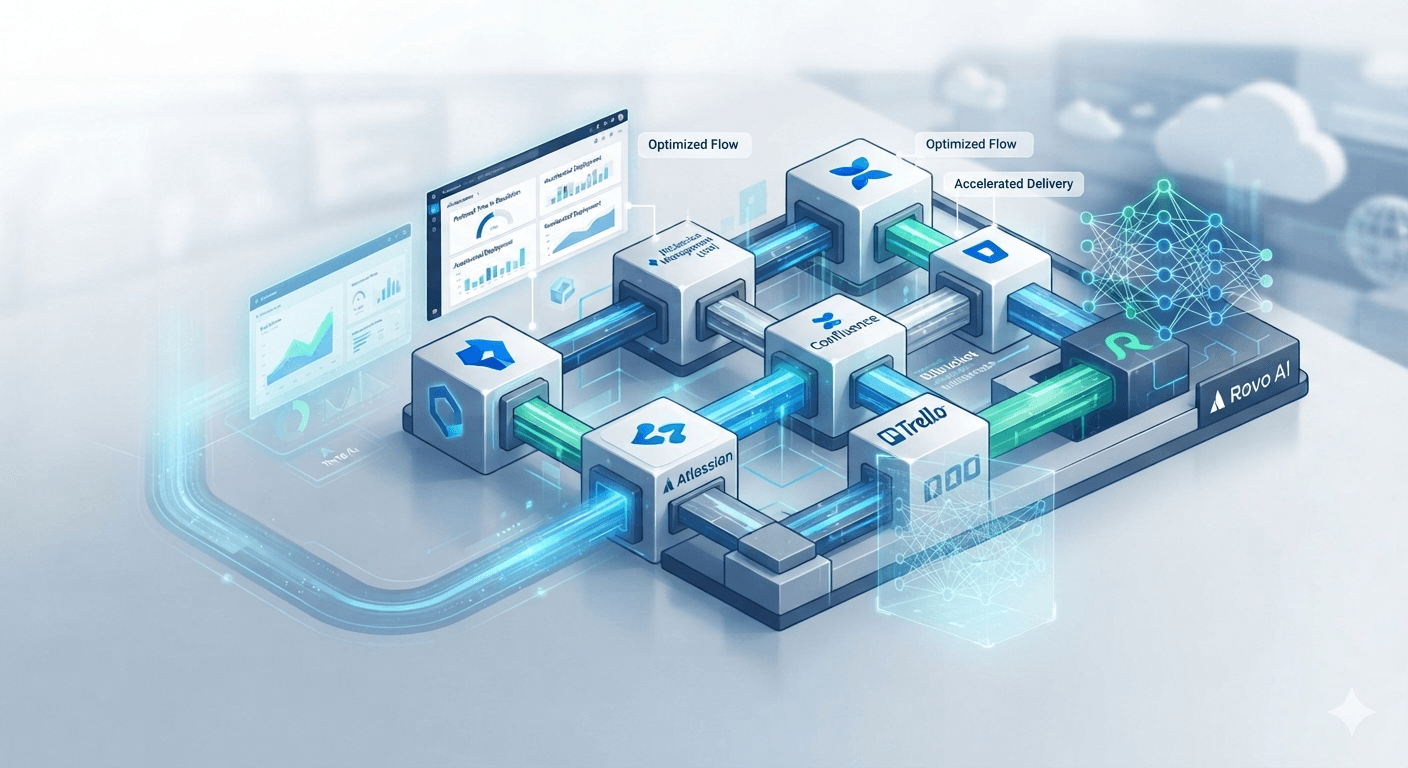
Rovo is Atlassian's AI layer, and its center of gravity is knowledge and work already living in Jira and Confluence. It is made up of Search, Chat, Agents and Studio, and it pulls context from connected tools including Google Drive, GitHub, Figma, Microsoft Teams, SharePoint and others. Atlassian says Rovo is available to customers on Standard, Premium or Enterprise Cloud plans of Jira, Confluence, the Service Collection or the Teamwork Collection.
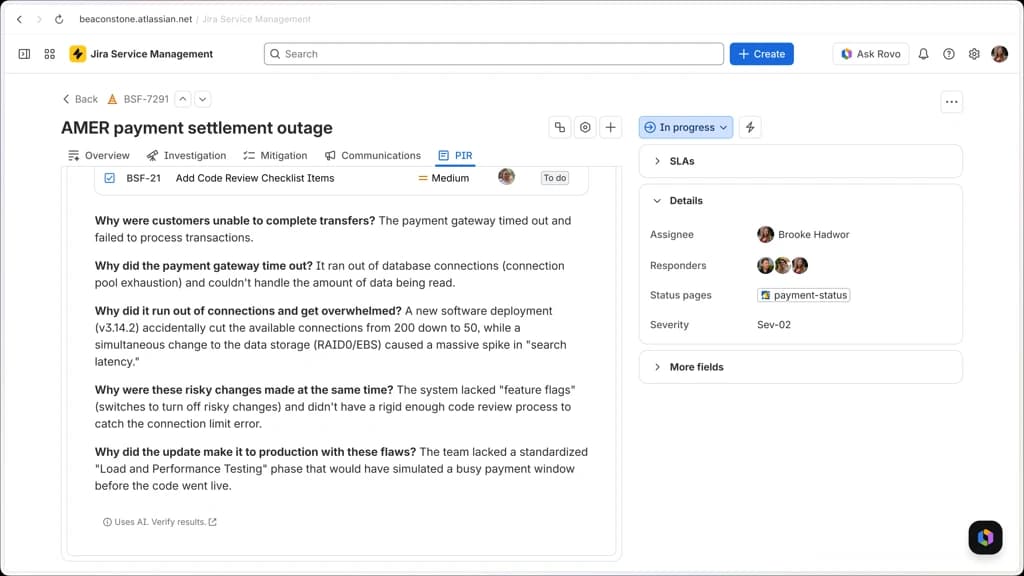
How it's metered. Rovo credits measure AI usage and access to enriched context. The number of credits used depends on how complex a person's or an agent's interaction is, including calls made through the command line and the Rovo MCP server.
Governance. Admins control what AI can access and can deactivate AI altogether. Atlassian notes that Search and Studio keep working if AI is deactivated, while Chat and Agents do not. It also states that Rovo has completed external assessments for SOC 2 and ISO 27001.
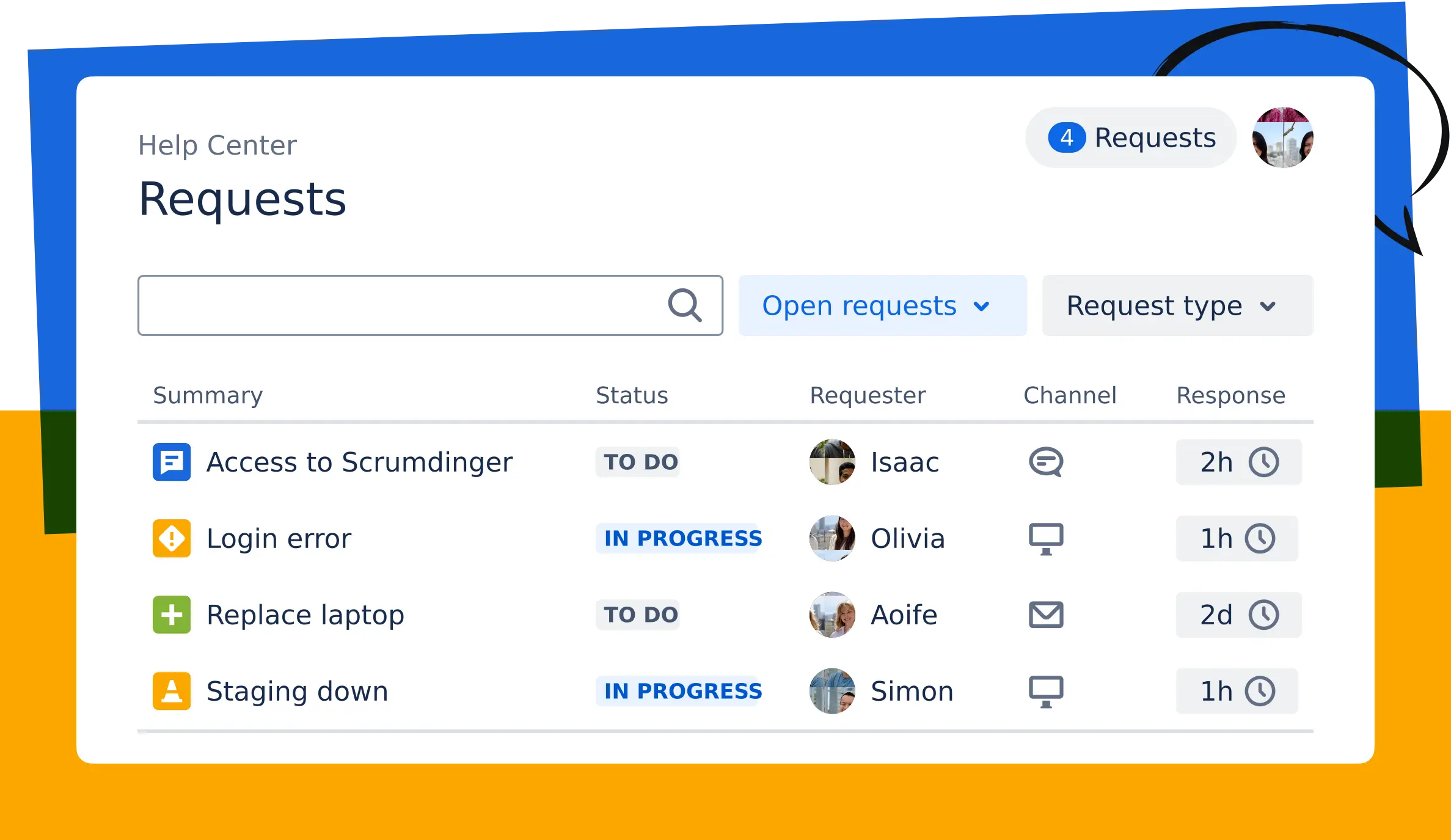
Where it fits best. Teams that already run on Jira, Confluence and Jira Service Management, particularly for search across tools, service-desk deflection, and engineering and IT workflows.
monday.com AI
monday.com positions its platform as an AI workspace where people and agents work side by side. The pieces are Sidekick (an assistant that gets work done in monday without switching context), an agent builder where you define the goal and the rules, AI workflows that automate how work moves between people and agents, vibe coding for building apps, and a notetaker.
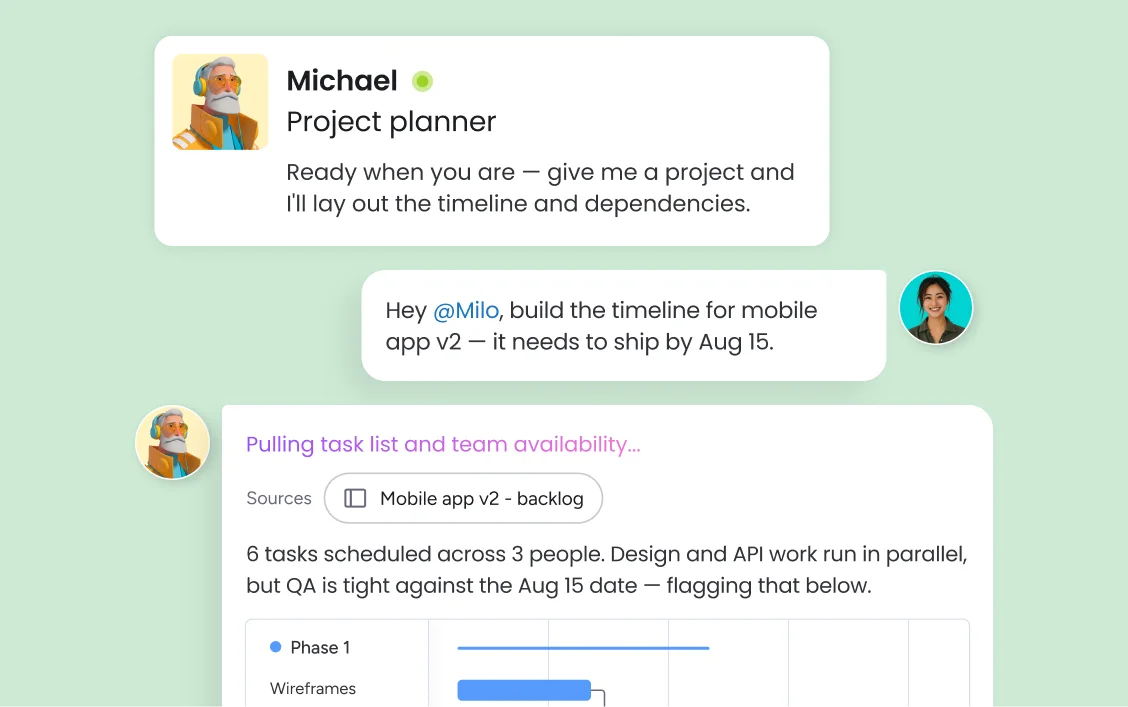
monday.com offers prebuilt agents in categories such as research, reporting, insights, meeting assistants and process optimization, and lets you bring agents from any AI provider into your workflows. It supports MCP, so tools like Claude, ChatGPT, Copilot and Gemini can connect.
Governance. This is a strong point of its pitch: a real-time log of agent activity, permissions that control whether an agent can read, create or edit, a simulation mode so a human can validate an agent's actions before activating it, and an AI cost center to track usage and spend per team with limits and alerts. The company also states that your data is never used to train AI models.
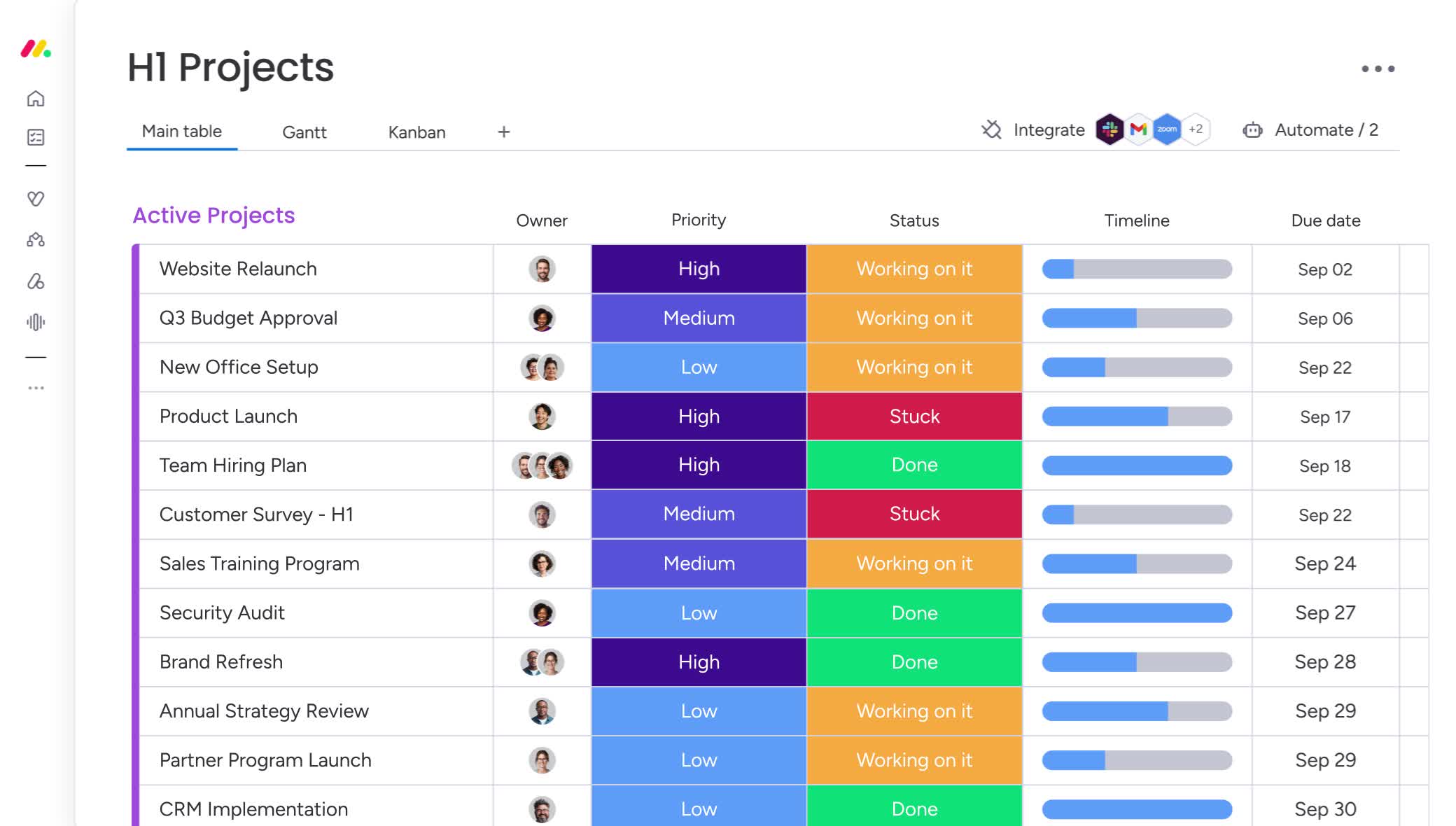
Where it fits best. Cross-department work — PMO, operations, marketing, HR and sales — where teams want to build their own agents and workflows on a flexible workspace.
Asana AI
Asana frames its approach as agentic work management, built on the Work Graph — a single map of every person, agent, task, request, project, goal and dependency. That shared context is meant to let people and agents act on the same plan.
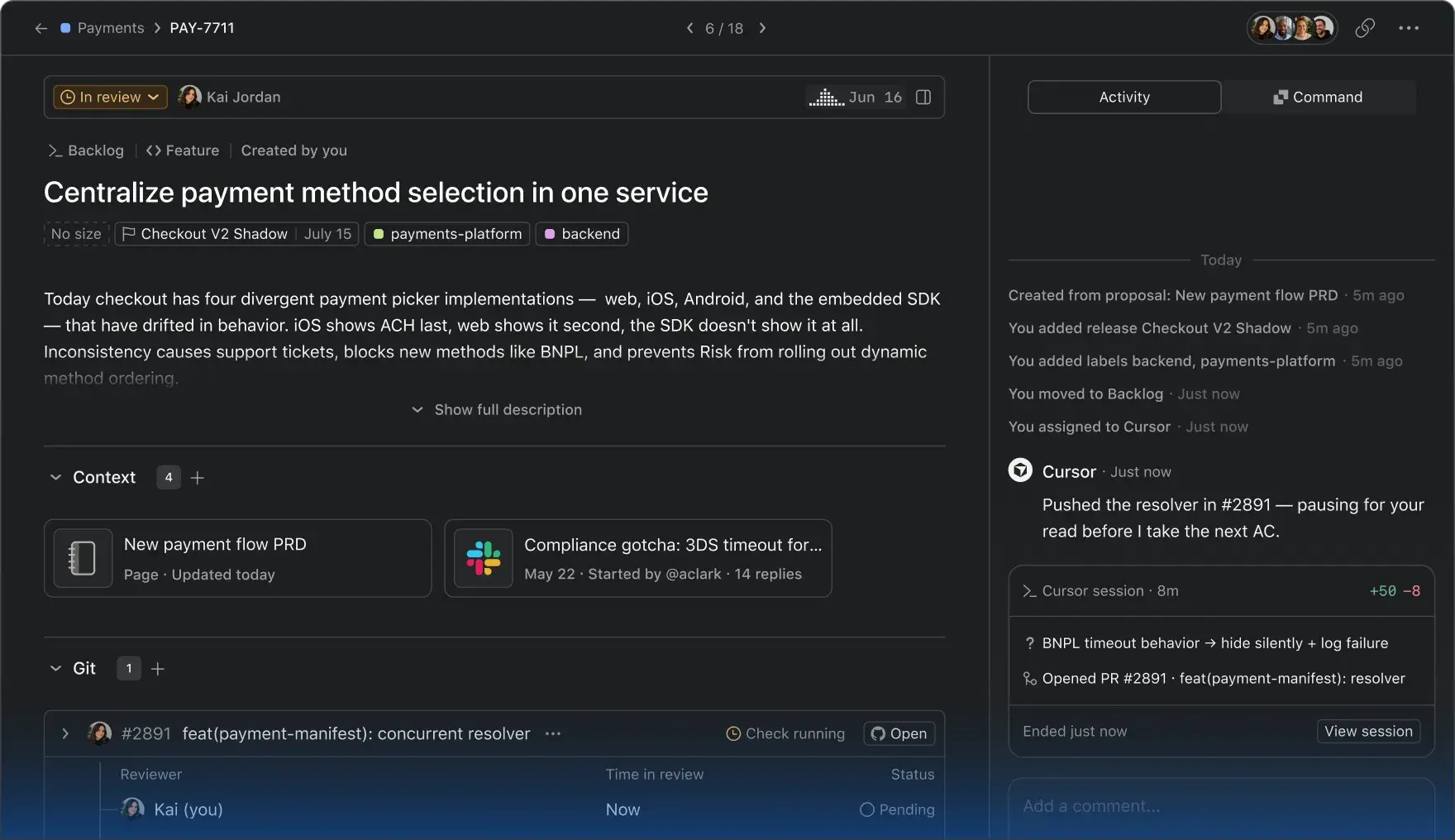
AI Studio is a no-code builder for automations that take in requests, classify and route them and send alerts. AI Teammates are ready-made agents — more than 30 prebuilt, including teammates for marketing, operations and IT as well as industry-specific ones. Asana Dash is another AI feature included on paid plans. AI connectors and MCP let tools like ChatGPT, Claude, Gemini and Copilot work against the Work Graph.
How it's metered. AI Studio Basic, AI Teammates and Asana Dash are included on paid plans. AI Teammates and Dash run on AI requests, charged at a flat rate per request, with a live usage dashboard and spend limits.
Governance. Asana AI runs on existing permissions, so it can only access what a user can already see. Its AI partners do not train on customer data and are required to delete it after each query.
Where it fits best. Teams that coordinate work across functions — marketing, creative operations, PMO — and want AI to take on intake, routing and status work.
How to choose
There is no universal winner. A better question is where your work already lives and what you need AI to do.
- If your teams live in Jira and Confluence, Rovo's strength is context across those tools, so start there for search, service-desk deflection and engineering workflows.
- If your work spans many departments on a flexible workspace, monday.com's agent builder and governance controls make it a natural fit.
- If your priority is cross-functional coordination and goals, Asana's Work Graph and prebuilt AI Teammates give you a faster start.
- If you run more than one platform, treat MCP and connectors as a requirement, not a nice-to-have, so AI assistants can work across them.
Questions to ask before you roll out
- What will it cost at scale? Understand the metering model — credits, requests or tracked spend — and set limits before adoption takes off.
- What can it see and change? Confirm it respects your permissions, and decide what is read-only versus editable.
- Where is the human in the loop? Decide which actions need approval and which are safe to automate.
- What happens to our data? Check each vendor's statements on training and retention.
- Which workflow will we pilot first? Choose one that is high-volume, low-risk and easy to measure.
Where AI helps most: a short list
- Intake and routing — classifying and sending requests to the right team.
- Status and reporting — compiling updates that people currently assemble by hand.
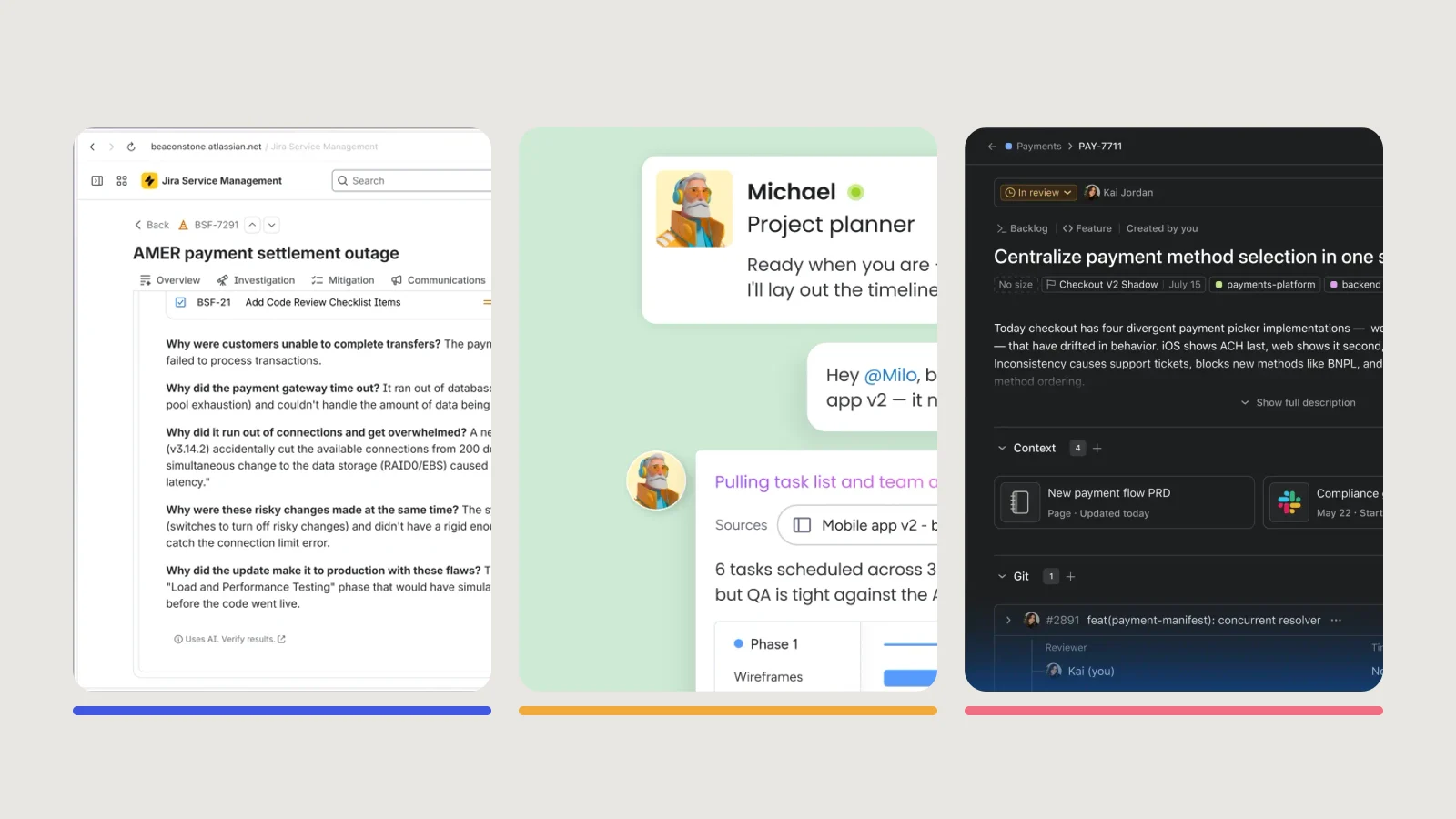
- Summaries and drafts — incident reviews, meeting notes and project plans that a person then checks.
- Search — finding the answer that already exists somewhere in your tools.
Start with one of these, measure the time saved, and expand from there.